← Real Trips
Real traveller Trip · Peru
Coast, desert and the Andes.
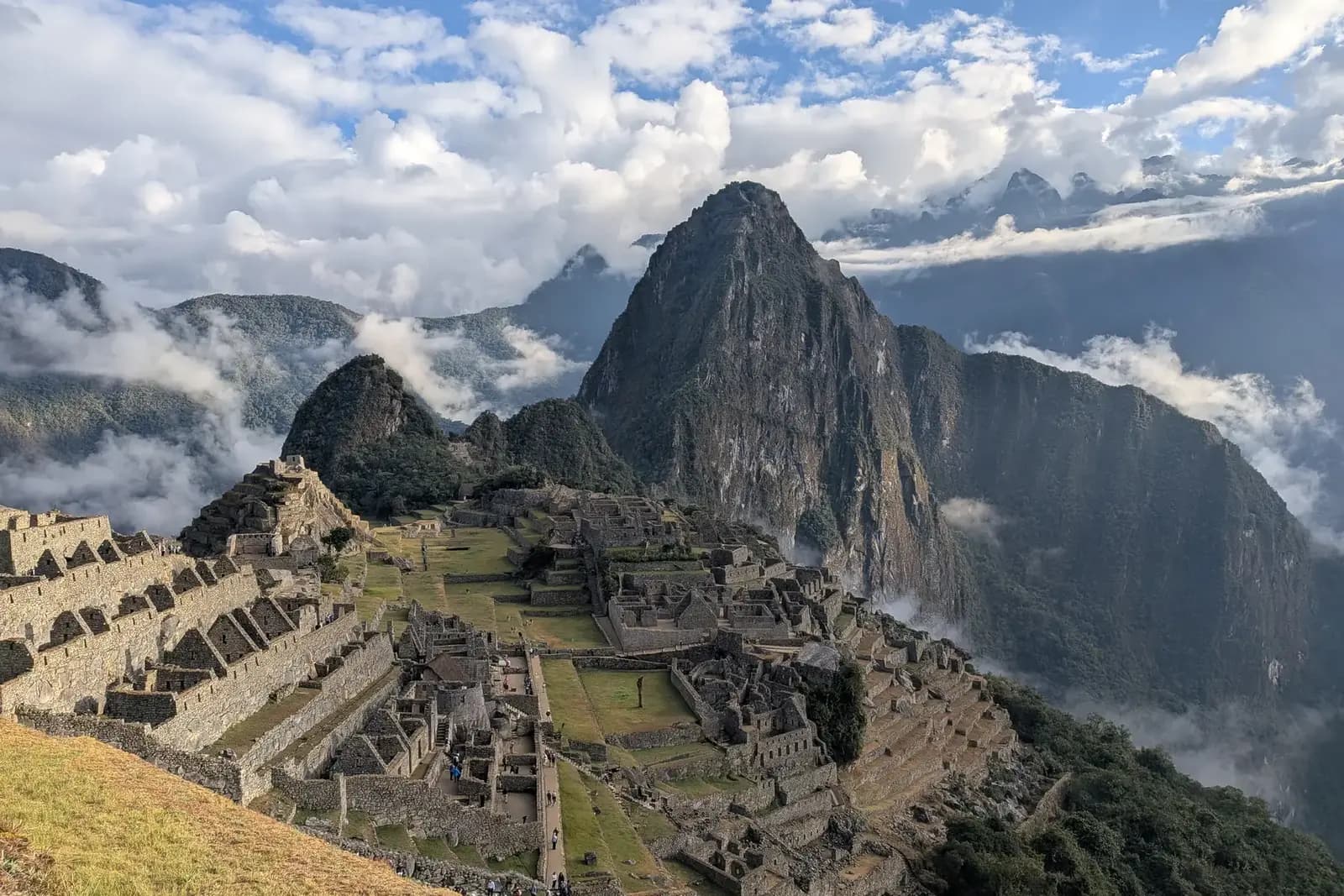
The route a real traveller took across Peru—from Lima and the Pacific coast to a desert oasis, a Cusco base and Machu Picchu.
17 nightsTraveller-confirmed Trip2026
The real route
Four main bases. One genuine journey.
Lima → Paracas → Huacachina → Cusco region. Aguas Calientes was a two-night stay inside the ten-night Cusco-region block—not two extra nights.
Route
Where the traveller stayed
4 stops · 17 nights total
- 1Worth visiting
Lima
2 nights
- 2Loved it
Paracas
2 nights
- 3Loved it
Huacachina
3 nights
- 4
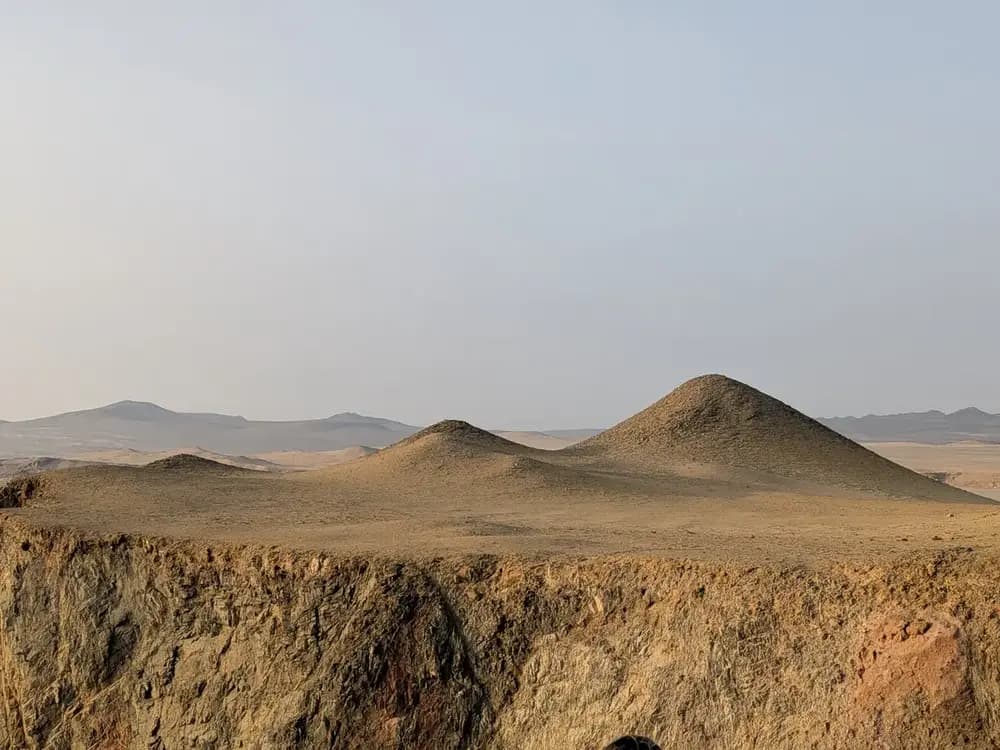
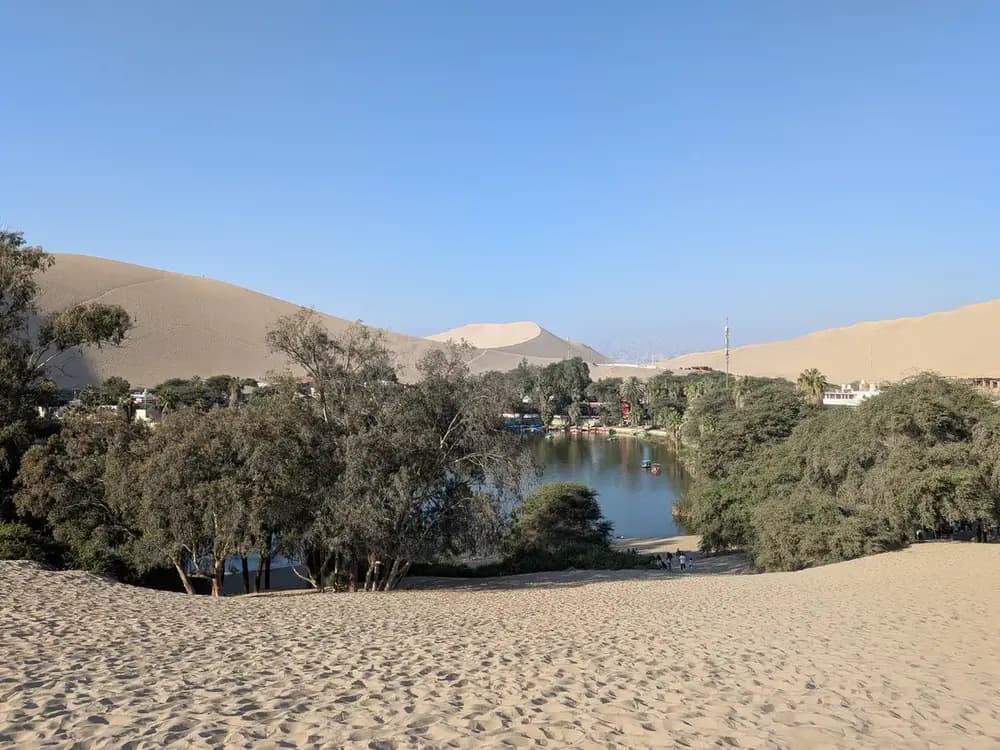
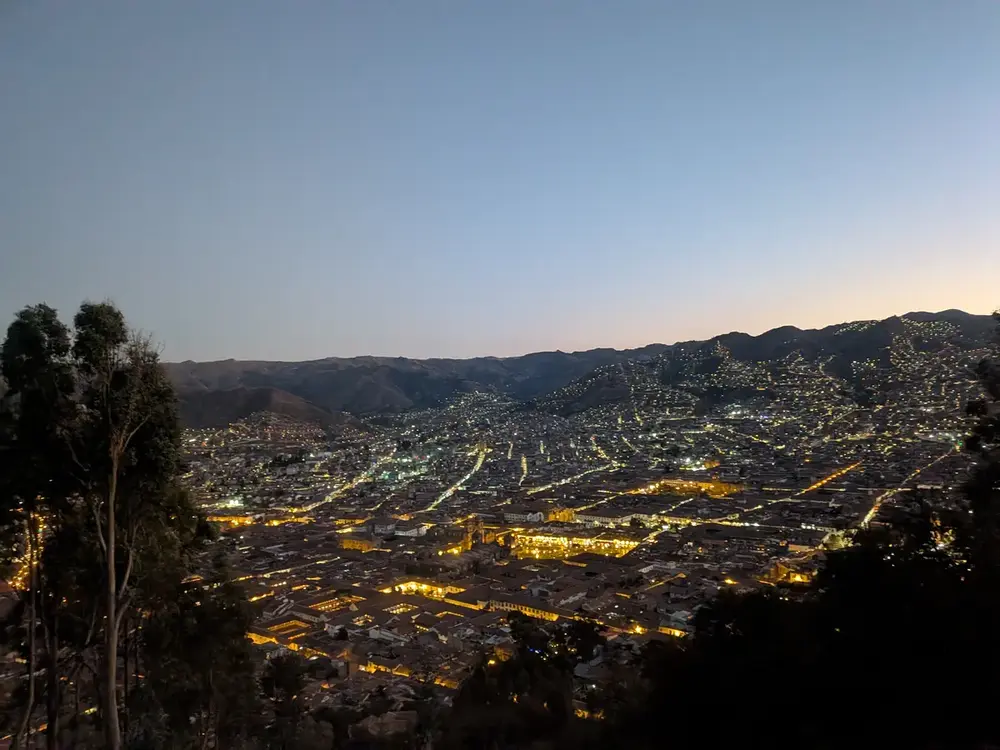
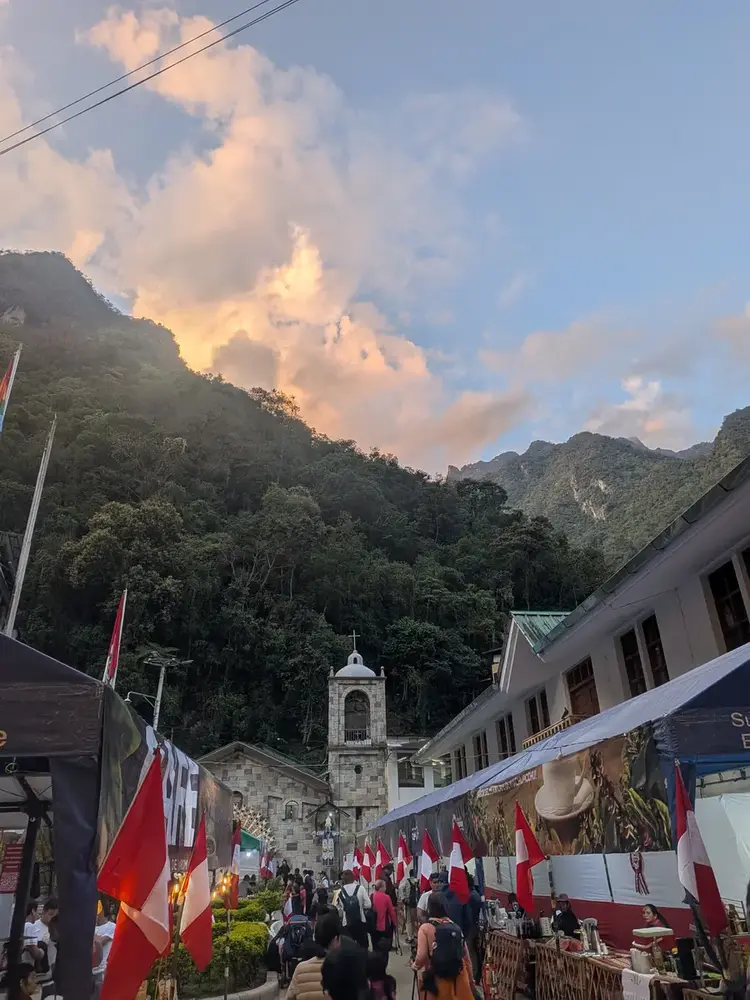
Traveller photography
Seen on the journey